
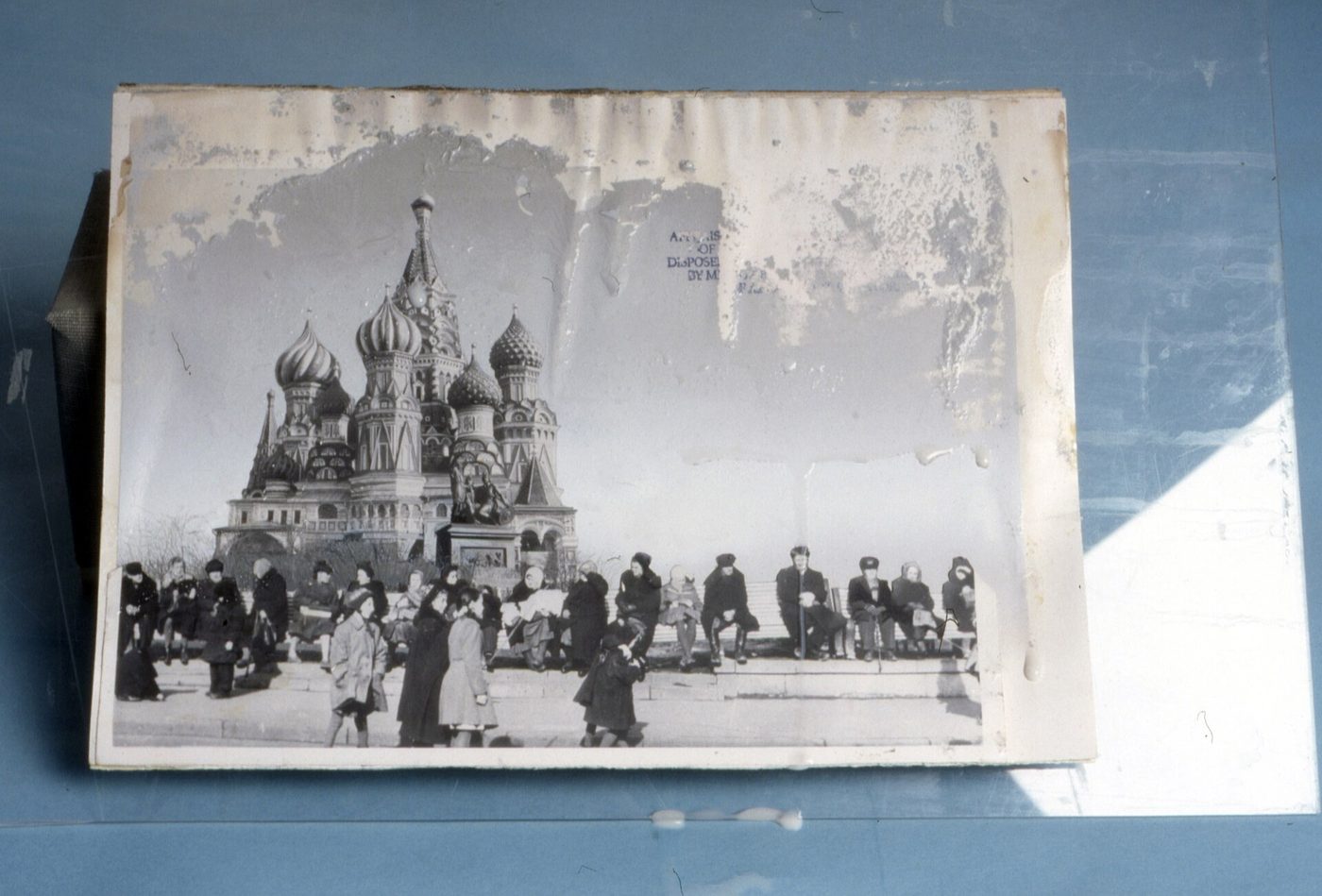

Photo care · Step-by-step guide
How to Clean Old Photos (and What Not to Do)
Most old photos don't need much cleaning. They need gentle handling, a puff of air, and someone who knows when to stop. I spent many years in magazine and newspaper printing, working the process camera and the darkroom, and the first thing that work taught me is this: you can always clean a photo more later, but you can never undo damage.
Here's my six-step guide, with pictures, for cleaning an old photo safely, and what to do if one is stuck to the glass in its frame.
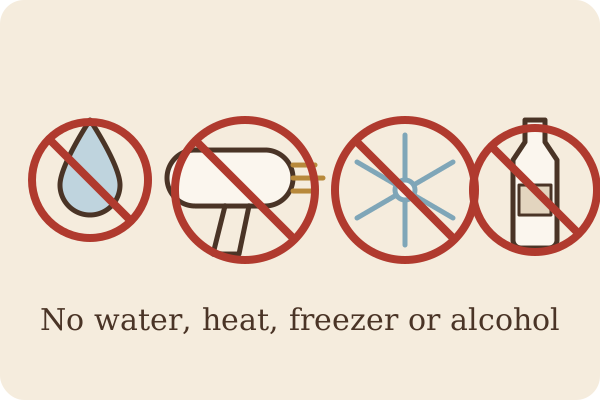
Stop. Don't force it.
If a photo is stuck to its frame glass, or it's dirty, curled or flaking, the most important thing you can do is nothing – for now. Don't pull, pry or soak it.
- No water
- No alcohol
- No hair dryer
- No freezer
- No household cleaners
- No vinegar
Most old black-and-white prints hold the picture in a thin layer of gelatin. Wet it or warm it and that layer goes soft and sticky, and that's when it tears.
“For many types of old photographs, water can be disastrous; for instance, it could induce severe cracking in the photograph emulsion, or it could soften or dissolve the gelatin.”Smithsonian Institution Archives (Nora Lockshin, 2012) · Read the source

Scan or photograph it through the glass first
Before anyone touches it, make a copy. Clean only the outside of the glass, turn off overhead lights to cut glare, and shoot straight on with your phone, or lay the frame on a flatbed scanner. If anything goes wrong later, you still have the picture, and a good copy is all I need to restore it.
“be sure to scan or photograph the photo through the glass so that you have a high resolution copy before starting any intervention.”Smithsonian Institution Archives · Read the source
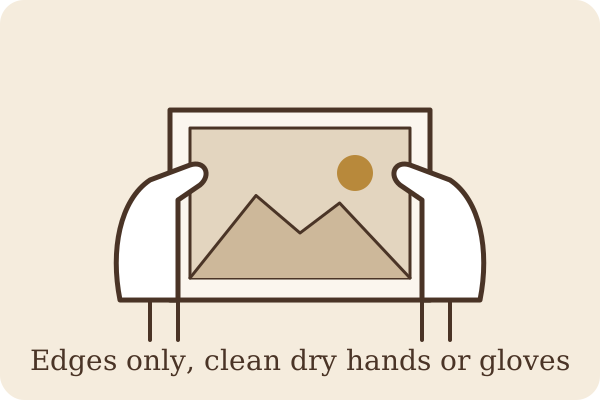
Handle it by the edges
Wash and dry your hands, or wear clean cotton or nitrile gloves. Hold the print by its outer edges and never press on the picture itself. Fingerprints leave oils that can mark a photo for good. Work on a clean, dry table with a plain sheet of paper underneath. The Library of Congress recommends well-fitting gloves for handling photographs.
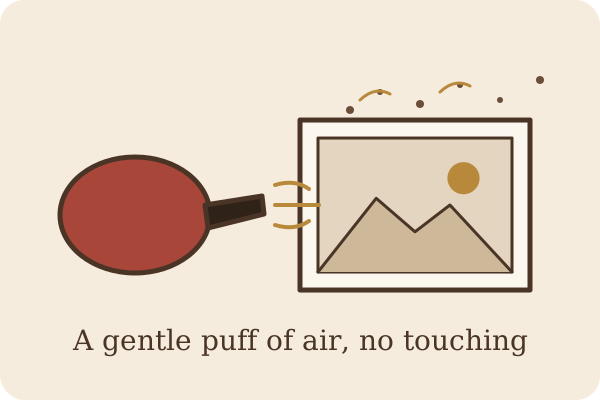
Puff the dust off with a bulb blower
A rubber bulb air blower, the kind sold for cleaning camera lenses, is the first tool I reach for. A few gentle puffs lift loose dust without touching the surface. Skip canned air; it can blast too hard and spit cold propellant.
“Even soft brushes can scratch or otherwise damage photographs.”Library of Congress · Read the source
If a little dust is still on the back or the white border, a very soft, clean brush with the lightest touch is the most I'd do, and never on faces or the image itself. If dirt doesn't come off with air, stop there.
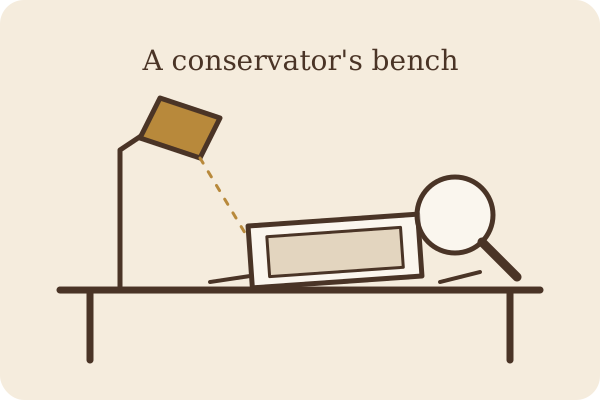
Leave stuck photos to a conservator
If it's stuck to glass, stuck to another photo, or stuck in an old album, this is a job for a trained photograph conservator. They can tell you whether it can be separated at all, and how. The American Institute for Conservation has a Find a Conservator directory.
“Unfortunately, it is difficult and often impossible to remove photographs stuck to glass or to each other without seriously damaging the photograph(s). To determine whether it is even possible to save stuck photographs, consult a photograph conservator.”Library of Congress · Read the source
“do not pull them apart; consult a professional conservator.”National Park Service · Read the source

Let me restore the scan
Even if the original can never come out of its frame, the picture can still come back. Send me the scan or phone picture from Step 2. I restore it with AI-assisted tools and check every face against your original myself, so the people still look like themselves. A digital family photo album is included with every order, and your original never leaves your hands.
Advice you'll find online, and what's actually true
One popular article on getting a photo off glass suggests these three steps. Please don't try them.
Everyday gentle cleaning, the short list
For a loose print that just looks a bit dusty or grimy, here's all I'd do at home:
- Scan it firstA copy protects you before you touch anything.
- Bulb blower, not brushAir lifts dust without scratching.
- Edges onlyClean dry hands or cotton or nitrile gloves.
- Stop at stuck-on dirtThat's for a conservator, or for digital cleanup on the scan.
And on the picture side, never use any of these:
- Water or damp cloths
- Glass cleaner or wipes
- Dish soap
- Vinegar
- Rubbing alcohol
- Erasers
Many old photos have a surface coating, hand-coloring or pencil retouching. In my experience, alcohol and other solvents can lift or smear those right off, and there's no putting them back.
Keeping it from happening again
When you frame an old photo, use a mat or spacers so it never touches the glass. Better yet, frame a copy and keep the original somewhere cool, dry and dark. My guide to how to store old photos covers it step by step, and if you're wondering why old prints turn yellow or red in the first place, read why old photos turn yellow, red or brown.
Sources
- Library of Congress, Photographs: Frequently Asked Questions
- Library of Congress, Care, Handling, and Storage of Photographs
- Smithsonian Institution Archives, “Photograph stuck to glass?” (Collections Care forum, response by Nora Lockshin, April 9, 2012)
- U.S. National Park Service, Preservation Matters: Disasters – Saving Wet Photographs
- Hero photo: Bob Herskovitz / Minnesota Historical Society, Wikimedia Commons, CC BY-SA 4.0 (resized only, not altered). Step pictures are original illustrations made for this page.
← Back to HeirloomPhotoCare home · How to Store Old Photos · Why Old Photos Change Color