
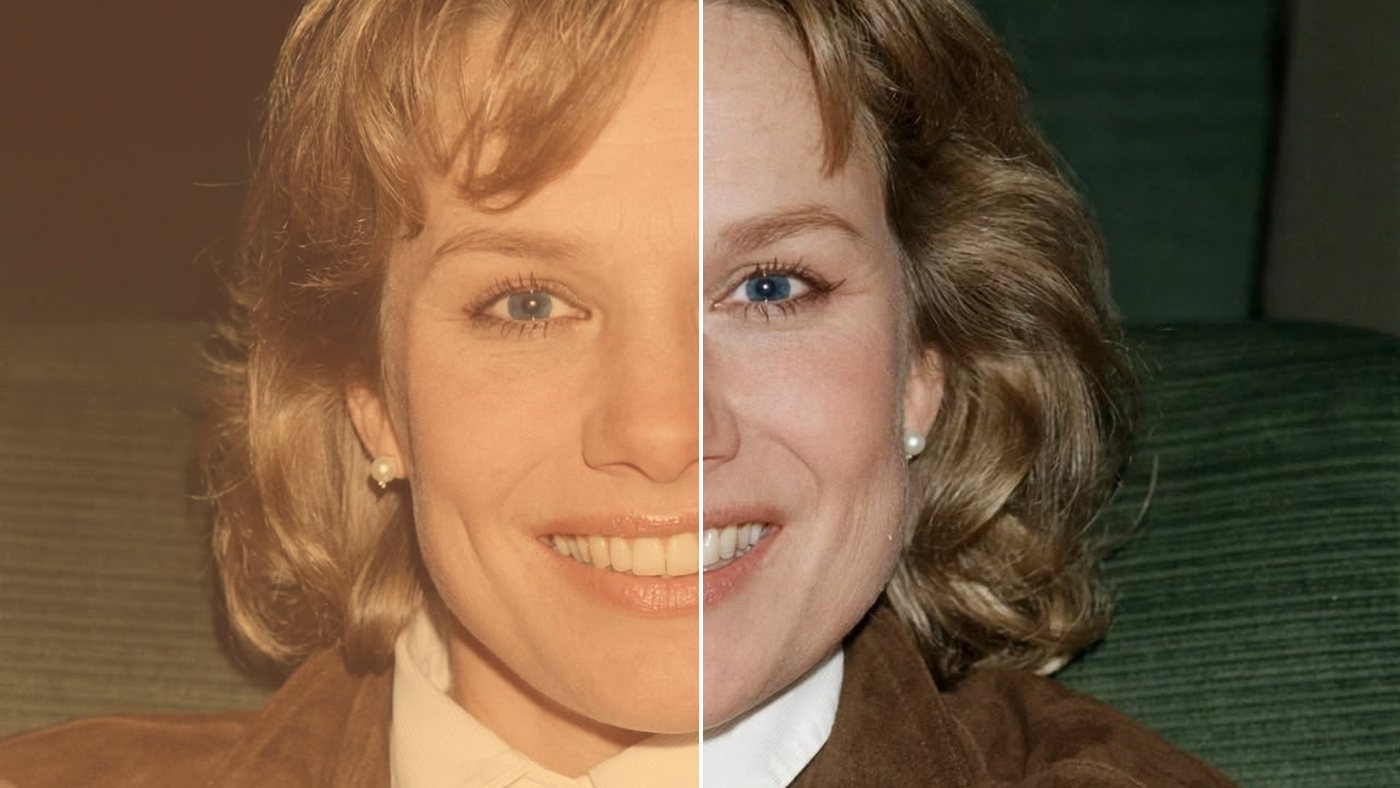
Photo care · Visual guide
Why Old Photos Turn Yellow, Red or Brown (and Why They Fade)
People often send me a photo with a note like, “It didn't used to look like this.” Grandpa's wedding picture has gone yellow. The 1970s birthday snapshots have turned orange-red. A school portrait looks washed out, like it was left in the sun. They're right: it didn't used to look like that. Photos are made of chemistry, and chemistry keeps changing long after the picture is taken.
I spent many years in magazine and newspaper printing, working the process camera and the darkroom and balancing color for the press. Here's what's actually happening when old photos change color, in plain language, and what you can and can't do about it.
The quick answer
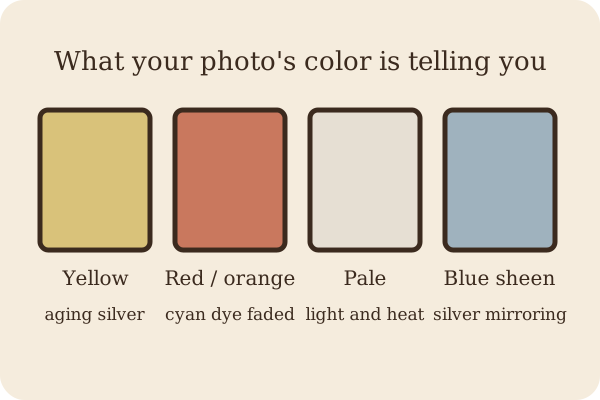
- Yellow or brown black-and-white photos: the silver image is slowly reacting with sulfur and leftover processing chemicals, and some older paper surfaces yellow on their own.
- Red, orange or magenta color photos (mostly 1950s–1980s): the cyan (blue-green) dye has faded faster than the others.
- Washed-out, faded photos: light, heat and humidity breaking down the image over time.
- A bluish, metallic shine at the edges: silver mirroring, where silver has moved up to the surface.
Why do old photos turn yellow or brown?
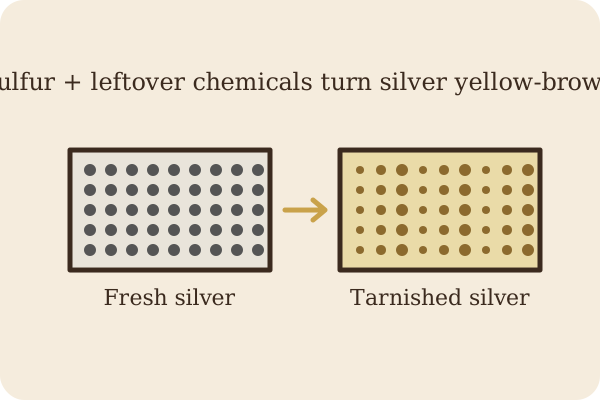
Most black-and-white photos from the last hundred years or so are gelatin silver prints: tiny grains of silver held in a thin layer of gelatin on paper. Silver is a metal, and like the silver in your grandmother's tea set, it tarnishes. Sulfur in the air, or chemicals left behind when the print wasn't washed well enough in the darkroom, slowly turn that silver into silver sulfide. The Northeast Document Conservation Center (NEDCC) explains that this sulfiding
“is most often due to inadequate processing that leaves behind residual processing chemicals (fixers) in the print. The result is yellowing, staining, and fading of the image, usually beginning with the highlights.”NEDCC, Session 5: Care and Handling of Photographs
That's why the light parts of the picture, like faces, white shirts and sky, often go yellow first.
The oldest family photos, from the 1800s, are often albumen prints, made with egg white. These have a warm brown look, and they tend to yellow over time no matter what:
“Albumen (egg white) tends toward chemical reactions that cause it to yellow over time, which is exacerbated by the presence of residual fixative and mounting on poor-quality board.”NEDCC, Session 5: Care and Handling of Photographs
So why are old photos brown or sepia? Some were brown on purpose. Many prints were toned in the darkroom to a warm sepia color, which often made them more stable. Others turned brown and yellow by accident, through the chemistry above. A restorer can usually tell the difference by looking at how even the color is.
Silver mirroring: the bluish shine
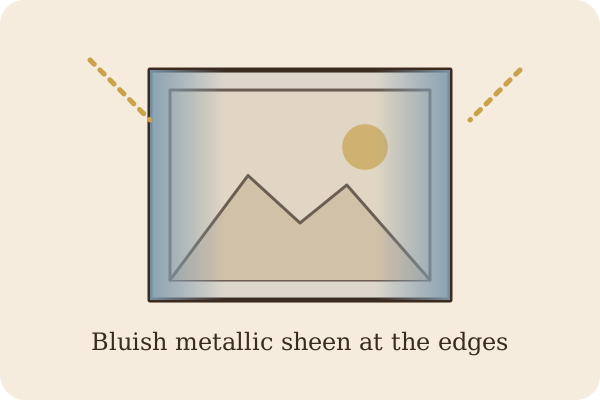
Tilt an old black-and-white photo under a lamp and you may see a bluish, metallic, mirror-like sheen, usually around the edges and in the dark areas. That's silver mirroring. Over time, silver in the image reacts with oxygen and pollutants, moves up through the gelatin, and settles on the surface. NEDCC describes it as a bluish metallic sheen that is especially typical of silver images held in gelatin. It looks alarming, but on a scan it can usually be cleaned up.
A word on tintypes, cyanotypes and hand-colored photos
Tintypes are made on thin iron and suffer more from rust, scratches and flaking than from color change. Cyanotypes, the bright blue prints, use iron salts instead of silver, and NEDCC notes they are far less stable and fade when exposed to light or alkaline materials. Many old portraits were also hand-colored with dyes, and those colors are fragile:
“Dyes were often used for hand coloring, or to tint layers of the image or support, and often become very unstable as they age.”NEDCC, Session 5: Care and Handling of Photographs
Why do old photos turn red?
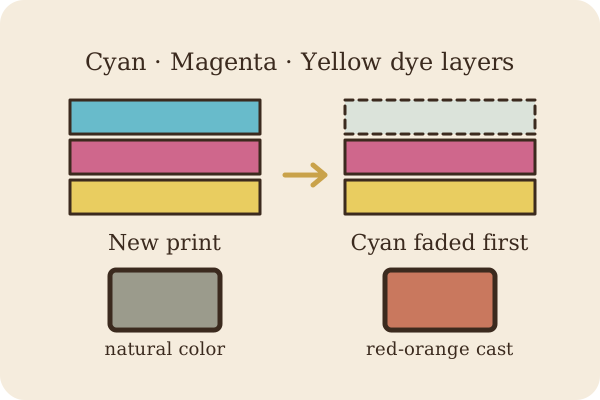
This is the one I get asked about most. Color snapshots from the 1950s through the 1980s are usually chromogenic color prints. Instead of silver, the picture is made of three layers of dye: cyan (blue-green), magenta (pink-red) and yellow. Together they make every color in the photo. The trouble is, the three dyes don't age at the same speed:
“The three dyes fade at different rates, so there is often an imbalance of color in deteriorated color photographs (e.g., the cyan dye fades first, leaving the photograph with a reddish tinge).”NEDCC, Session 5: Care and Handling of Photographs
Take away most of the cyan and what's left is magenta and yellow, which together look red-orange. That's why a whole box of family photos from the '70s can look like they were taken at sunset. And it didn't take long:
“In general, early color photographs were very unstable; many lost 30% of their dyes (30% loss is the accepted point at which deterioration becomes evident) within 10 to 15 years. Even color photographs from the 1980s will reach the 30% mark within 20 years.”NEDCC, Session 5: Care and Handling of Photographs
Color prints can also pick up an overall yellow stain, especially in the white areas. NEDCC calls this highlight staining:
“This appears as a yellowish staining in the highlight areas of the photograph, and is due to residual dye couplers for the magenta dye, which form these stains as they decompose.”NEDCC, Session 5: Care and Handling of Photographs
Note something odd: those dyes fade even in a dark box. Light makes it worse, but darkness alone doesn't stop it. Heat is the big driver. The Library of Congress says: “For color photographs and film negatives, temperature is the controlling factor affecting stability.” (Library of Congress)
Do photos fade over time? Sun-faded photos and light
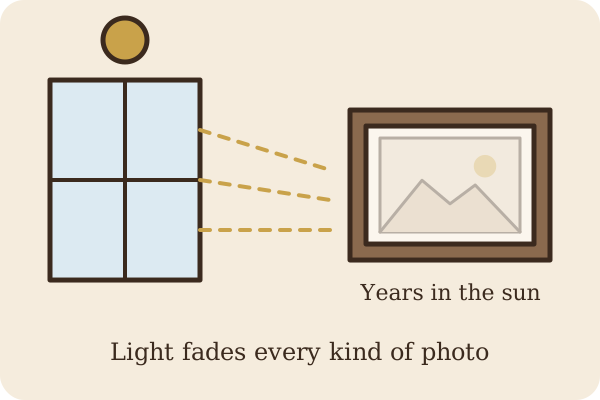
Yes, all of them do, at different speeds. Light is the fastest way to fade a photo. A print that hung across from a window for twenty years can be pale and blue-washed compared to its twin that stayed in an album.
“Exposure to all light (visible and ultraviolet) can cause fading, darkening, and other changes. The best protection from light is to display copies of the originals and keep the originals in a box.”National Archives, Displaying Family Papers and Photographs
Do Polaroids fade?
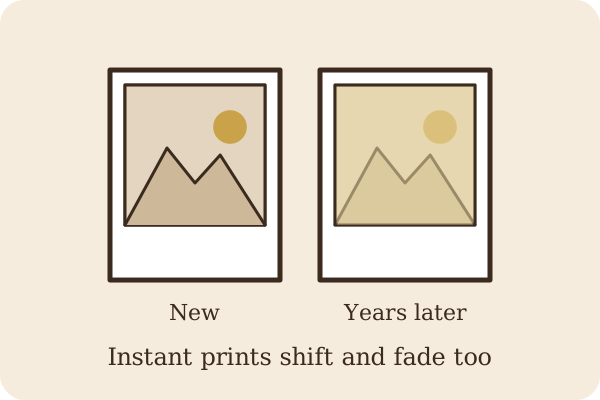
Instant photos from vintage Polaroid and other instant cameras have their own built-in chemistry, sealed right into the print. In my experience they shift color and fade too, especially when they've been kept somewhere warm or left in the sun, and they often go yellowish or lose contrast. Treat them like any other color print: cool, dry and dark. And don't cut them open or peel them apart; the chemistry inside isn't meant to be exposed.
What you can do
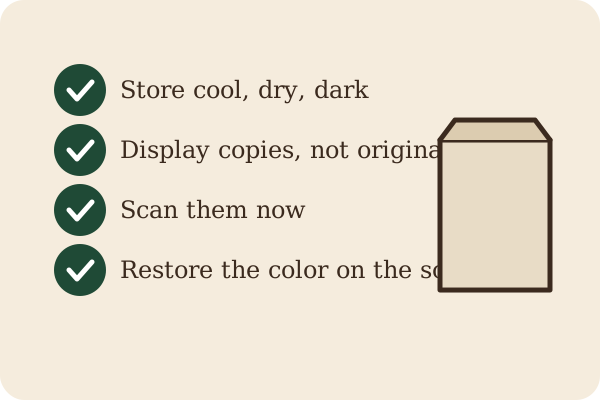
- Slow it down. Store originals somewhere cool, dry, dark and steady. Not the attic, not the basement. My article on how to store old photos walks through it step by step.
- Display copies, not originals. Frame a print made from a scan, and keep the original in a box.
- Scan them now. A scan freezes the photo the way it looks today. Every year you wait, the color drifts a little further.
- Handle them gently. Keep fingers off the image, and see how to clean old photos before you try to tidy one up.
- Restore the color digitally. This is where my printing background comes in. On a scan, I can rebuild the missing cyan, take out the yellow stain and bring back natural skin tones, without touching your original at all.
What you can't do
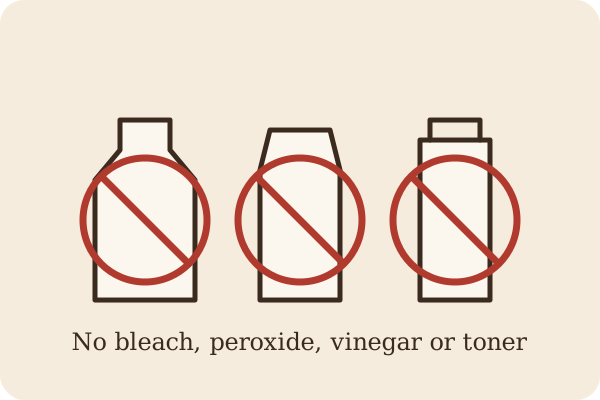
- There's no home chemical fix. Please don't try bleach, peroxide, vinegar, toner or anything from the kitchen or garage. The image is in a thin, delicate layer, and you'll do far more harm than good.
- Lost color can't be put back into the original print. Once a dye has faded, it's gone from that piece of paper. No product brings it back. Color restoration happens on a digital copy.
- A conservator can stabilize, not rewind. For a valuable or fragile original, a photograph conservator can clean, rehouse and stabilize it so it stops getting worse. As the Library of Congress puts it, “For condition problems that are insufficiently resolved by improving housing, conservation treatment by a photograph conservator may be necessary.” (Library of Congress)
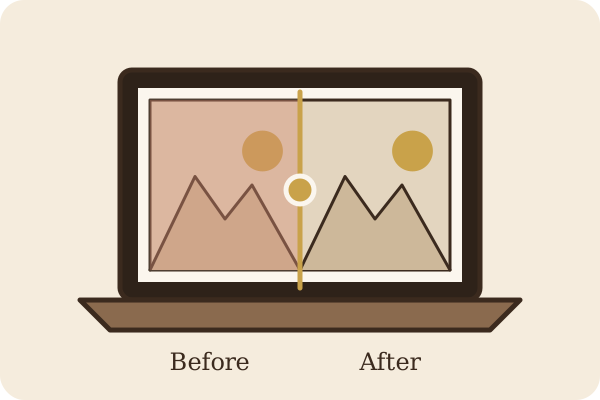
How to remove the red tint from old photos (the safe way)
If you've got a photo that's turned red, yellow or washed out, send me a scan or a clear phone picture through my Etsy shop. I restore faded photos with AI-assisted tools, rebalance the color, and check every face against your original myself, so Grandma still looks like Grandma. A digital family photo album is included with every order, and your original never leaves your hands.
Sources
- Northeast Document Conservation Center (NEDCC), Session 5: Care and Handling of Photographs (Preservation 101), black-and-white and color print sections
- Library of Congress, Care, Handling, and Storage of Photographs
- National Archives, Displaying Family Papers and Photographs
← Back to HeirloomPhotoCare home · How to Clean Old Photos · How to Store Old Photos